
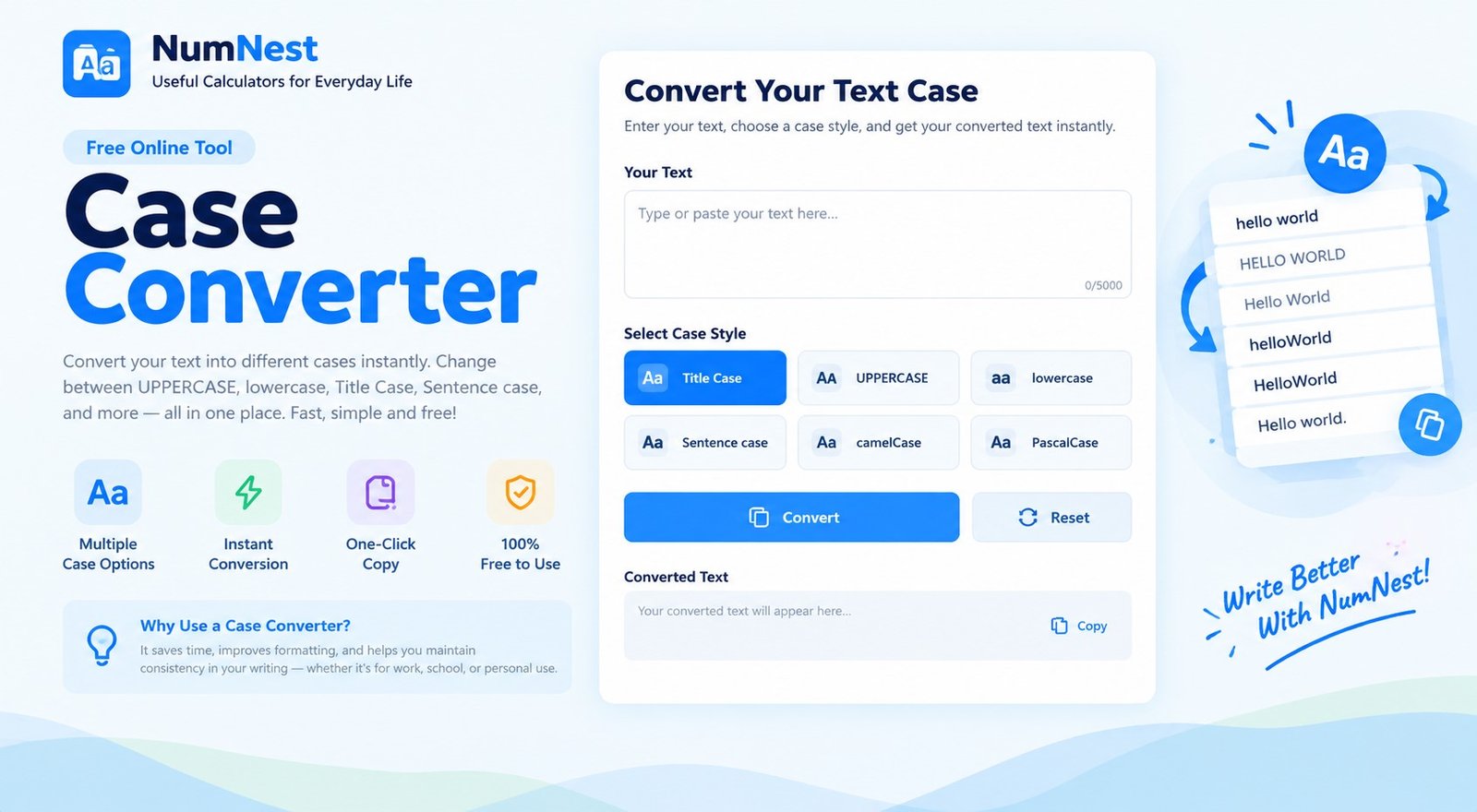
Case Converter
Convert text to uppercase, lowercase, title case, sentence case, alternating case, or inverse case.
How To Use The Case Converter
Enter or paste text in the box, then select the case style you need. The converted text replaces the text in the editor. Use Copy result to copy the text or Download TXT to save it as a plain text file.
What Each Text Case Means
Uppercase converts letters to capitals, while lowercase converts letters to small letters. Title Case capitalizes the first letter of each word using a simple rule. Sentence case capitalizes the first letter after sentence-ending punctuation. Alternating case switches letter case in sequence, and inverse case flips the case of each letter.
When Should You Use A Case Converter?
A case converter can help clean up headings, standardize notes, reformat copied text, prepare labels, or correct accidental Caps Lock use. It is useful for students, writers, editors, and office work. Review names, acronyms, product names, and specialized terminology after converting.
Does Title Case Follow Every Style Guide?
No. Capitalization rules vary by publication and style guide. This tool applies a general word-based title conversion and may capitalize short words differently from a formal editorial guide. Review the result before using it in professional or academic publications.
Frequently Asked Questions
Can I Convert A Large Block Of Text?
Yes, you can paste paragraphs or longer text into the editor. Very large inputs may depend on browser and device performance.
Will Converting Text Change Punctuation?
The case actions change letter capitalization and are intended to preserve punctuation, spacing, and line breaks.
Is My Text Uploaded?
Conversion runs locally in your browser. The tool code does not send your text to a NumNest calculator endpoint. Avoid confidential text on shared or untrusted devices.
Can I Undo A Conversion?
The editor replaces the current text when you choose a case. Copy the original first if you may need it later.