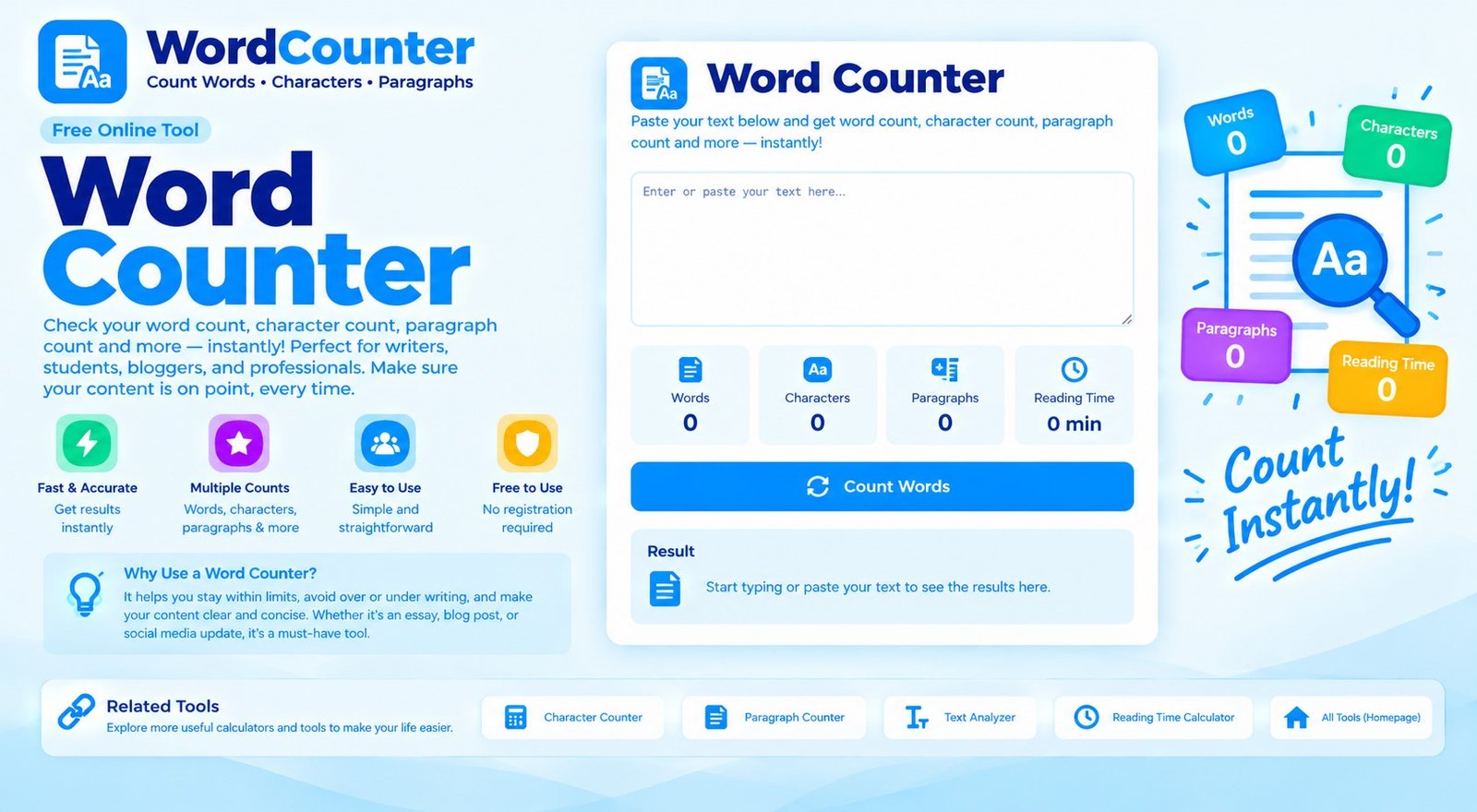
Word Counter
Count words, characters, sentences, paragraphs, and estimate reading and speaking time as you type or paste text.
How To Use The Word Counter
Type into the text box or paste content from a document. The counters update automatically, so you can check length while drafting an essay, article, email, social post, assignment, or speech. Use Copy text to copy the current text, Download TXT to save it, or Clear to start again.
What Does Each Statistic Mean?
Words counts groups of text separated by whitespace. Characters includes spaces and line breaks, while no-space characters excludes whitespace. Sentence count estimates sentences from common sentence-ending punctuation. Paragraphs count non-empty blocks separated by blank lines, and lines count each line in the editor.
How Is Reading Time Estimated?
Reading time is estimated using an average of 225 words per minute. Speaking time uses a slower presentation pace of 130 words per minute. These are general estimates rather than guarantees: technical writing, unfamiliar vocabulary, pauses, and reading ability can change the actual time.
Who Can Use A Word Counter?
Students can check assignment length, writers can monitor article drafts, marketers can fit social media copy to platform limits, and speakers can estimate the length of a presentation. If a school, publisher, client, or platform has its own counting rules, use those rules as the final authority.
Frequently Asked Questions
Does The Word Counter Update Automatically?
Yes. Word and text statistics update in the browser as you type, paste, or edit the text.
Are Spaces Included In Character Count?
The main character count includes spaces and line breaks. A separate statistic shows the character count after whitespace is removed.
Is My Text Sent To A Server?
The counting calculations happen in your browser, and the tool code does not send the text to a NumNest endpoint. Avoid entering confidential information on a shared or untrusted device.
Why Might My Word Count Differ From Another App?
Different apps may treat hyphenated words, apostrophes, numbers, symbols, or languages without spaces differently. This tool uses whitespace-separated groups as its basic word-count rule.
Can I Download My Text?
Yes. Select Download TXT to save the current text as a plain text file.