
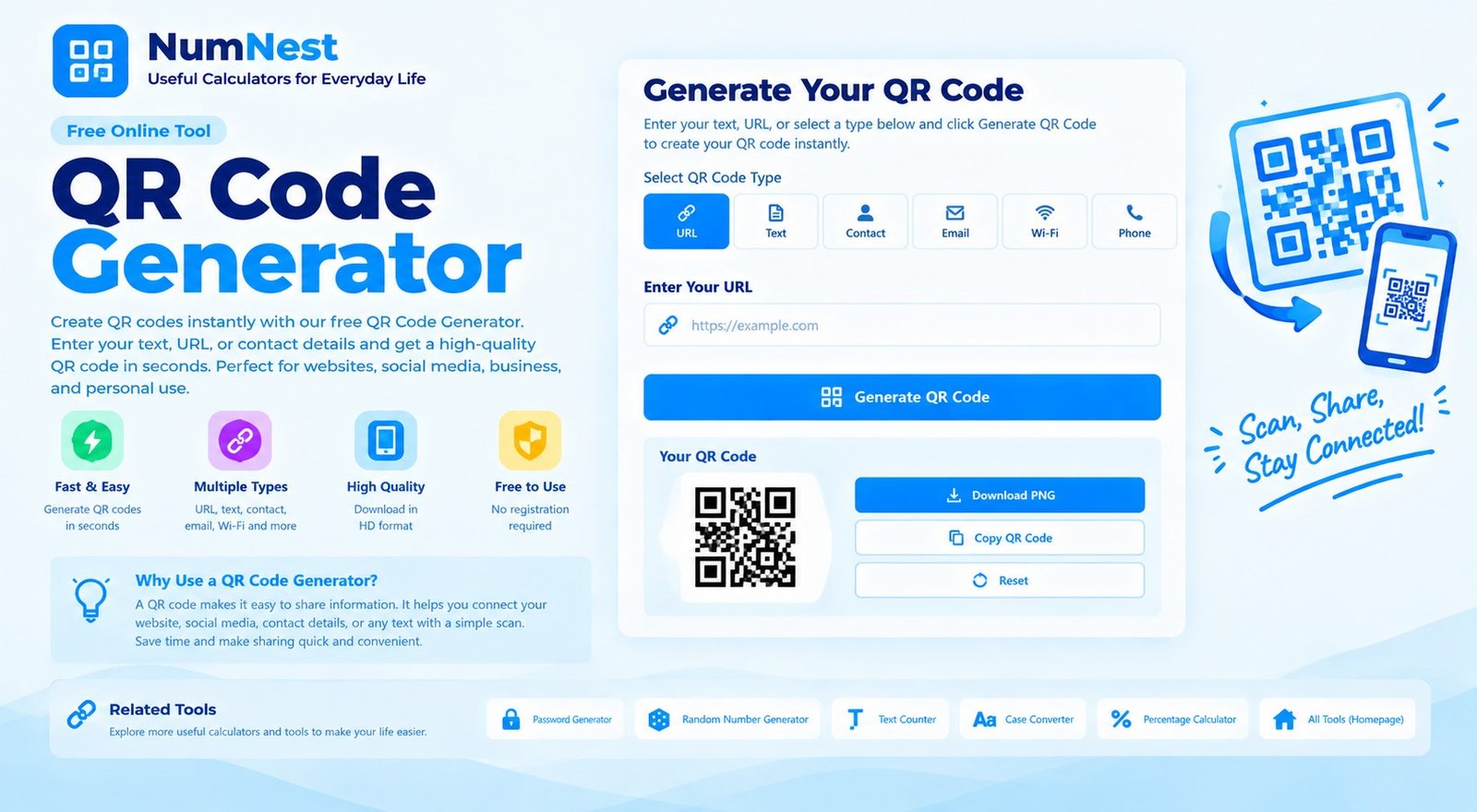
QR Code Generator
Create a QR code for a website, message, contact detail, or Wi-Fi network. Your QR preview is generated in this browser.
Scan the code with a phone camera to test it before sharing or printing.
How To Use The QR Code Generator
Choose the kind of information you want to encode, enter the details, and select Generate QR code. When the preview appears, scan it with a phone to confirm that it opens the correct destination or displays the expected information. Download the PNG when you are satisfied with the result.
What Can A QR Code Contain?
A QR code can encode a website address, plain text, an email address, a phone number, or Wi-Fi connection details. Website QR codes are useful on flyers, menus, business cards, product packaging, and signs. Text codes can share short instructions or other information without requiring someone to type it manually.
QR Codes For Wi-Fi Access
For a Wi-Fi QR code, enter the exact network name (SSID), password if required, and security type. A compatible phone may offer to join the network after scanning. Treat the generated image as sensitive if it contains a private network password, and share it only with people who are allowed to connect.
Choose A Suitable Image Size
Small images can work well on screens, while printed materials may need a larger, crisp image. Leave enough clear space around the QR code and avoid stretching or covering its squares. Always test the downloaded image at its intended size and in the conditions where it will be scanned.
Frequently Asked Questions
Is This QR Code Generator Free?
Yes. You can create and download QR code PNG images using the tool on this page.
Does The QR Code Expire?
A standard QR image does not expire on its own. However, a website or other destination encoded in it may change, move, or stop working.
Why Should I Scan-test The Code?
Testing helps confirm that the code contains the correct information and remains readable at the size where you plan to use it.
Is My Entered Information Private?
The page prepares the QR content in your browser, but the optional QR rendering library is loaded from a third-party content delivery network. Do not use this page for secrets or sensitive data if you cannot trust your browser environment and external resources.
Can I Use A QR Code On Printed Materials?
Yes. Download the PNG, preserve the square proportions and quiet margin, and test a print sample before producing a large batch.