Password Generator
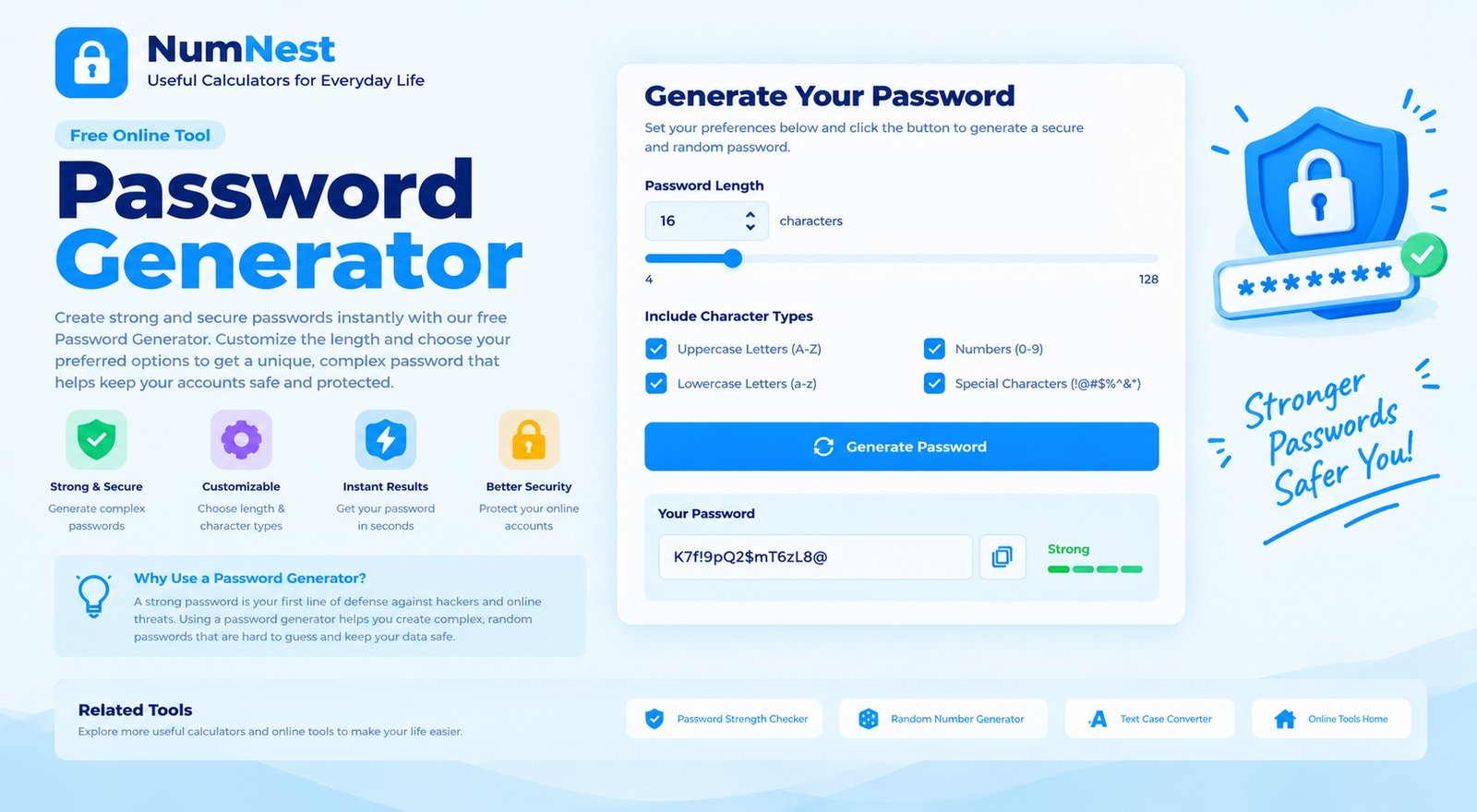
Create a random password with the length and character types you choose. For sensitive accounts, generate passwords on a trusted device and never share them.
Use a unique password for each account. This browser tool does not save your generated password to a NumNest account. Avoid generating or storing sensitive passwords on shared or untrusted devices.
How To Use The Password Generator
Choose a password length and select the character types you want to include. Longer passwords generally provide more possible combinations. Generate a password, then use Copy password to copy it when you are ready. If a website has specific password rules, adjust the options to meet them.
Why Password Length Matters
A longer randomly generated password can be much harder to guess than a short one. When a service supports it, consider using a long unique password or passphrase and storing it in a reputable password manager. Do not reuse a password across multiple websites because one exposed password could put other accounts at risk.
What Do The Character Options Do?
Lowercase and uppercase letters, numbers, and symbols expand the character pool from which each position is selected. Some websites restrict particular symbols, so you can turn off a character type if needed. The ambiguous-character option omits characters that are easy to confuse when reading or typing, but it also reduces the available character pool slightly.
How Randomness Is Handled
This generator uses your browser’s Web Crypto random-number generator when available. If secure browser randomness is unavailable, it will not generate a password. That is a deliberate safeguard: ordinary pseudo-random fallback is not appropriate for creating passwords intended to protect accounts.
Frequently Asked Questions
What Password Length Should I Choose?
Use the longest unique password the service supports. This tool allows lengths from 8 to 64 characters, but a service may set different limits.
Should I Include Symbols?
Symbols can increase the range of possible characters, but compatibility rules differ between websites. Follow the service’s requirements and use a password manager to handle complex passwords.
Does NumNest Store My Generated Password?
This page does not send the generated password to a NumNest account or store it in a site database through the calculator code. Your browser and device environment still matter, so avoid using shared or compromised devices for sensitive credentials.
Can I Reuse The Same Generated Password?
No. Use a different password for each account. A password manager can help you create and store unique credentials without having to memorise each one.
Why Is The Generator Unavailable In My Browser?
The tool requires the browser’s secure Web Crypto random-number generator. Use an up-to-date browser in a secure context if generation is unavailable.